WiFi Thermostat for Mini Split: What to Check Before You Buy
Looking for a WiFi thermostat for a mini split? Learn how infrared controllers work, when wired controls are better, and how to verify compatibility.
Reviewed for source quality, practical usefulness, safety boundaries, and affiliate disclosure. Read our editorial policy.
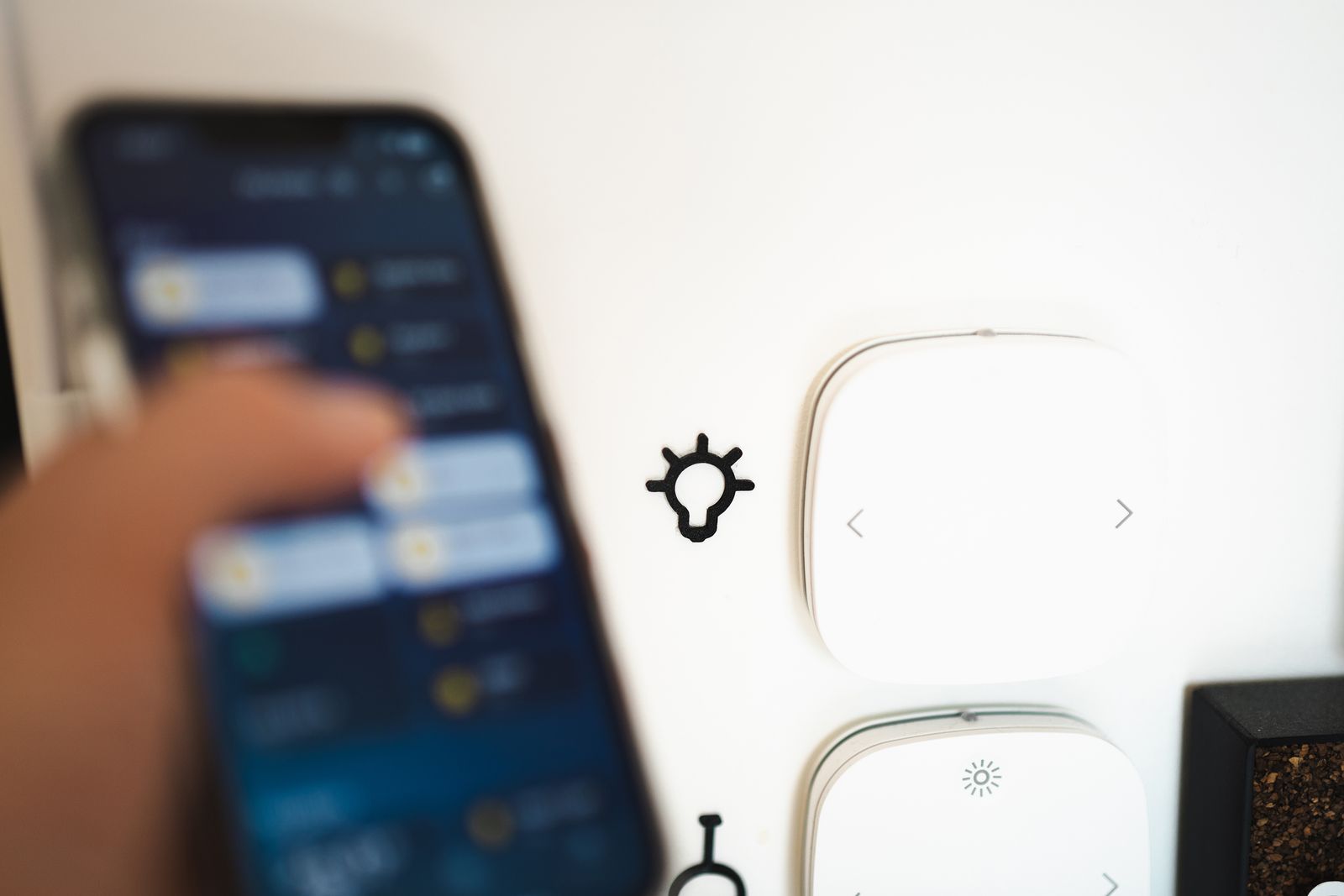
A Wi-Fi thermostat for a mini split is usually not a conventional thermostat wired into the same terminals used by central HVAC equipment. In many homes, the practical product is a Wi-Fi infrared controller that sits near the indoor head and sends commands that resemble the factory remote.
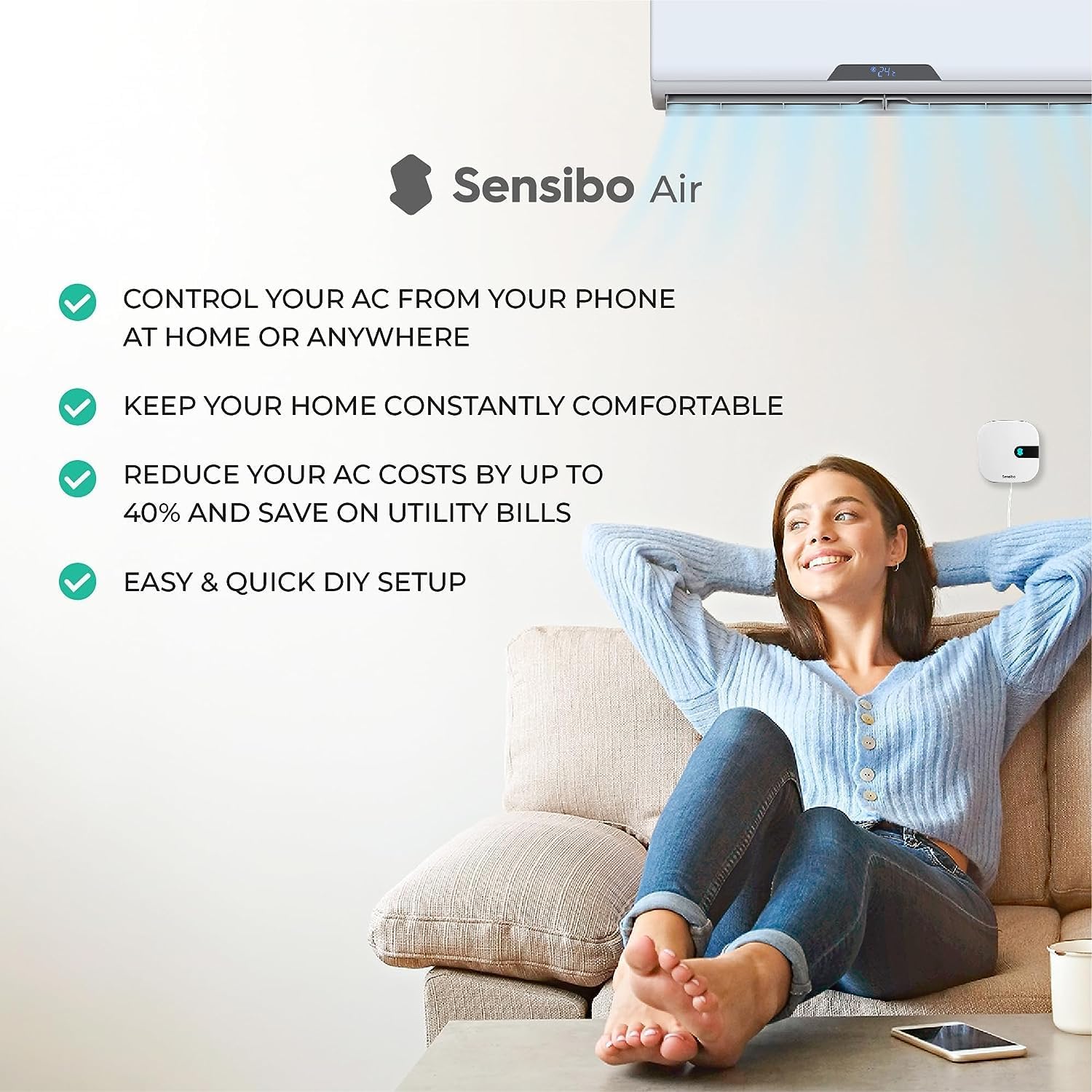 Amazon Recommended product Sensibo Air Smart AC Controller Check price on Amazon
That can add schedules, phone control, voice assistants, geofencing, room temperature readings, and automation without opening the mini split’s electrical compartment. It also creates a compatibility question that generic thermostat advice often misses.
For the broader question of what a mini split thermostat actually is, see the mini split thermostat basics guide. This page focuses only on Wi-Fi setup, placement, failure modes, and the return-window test.
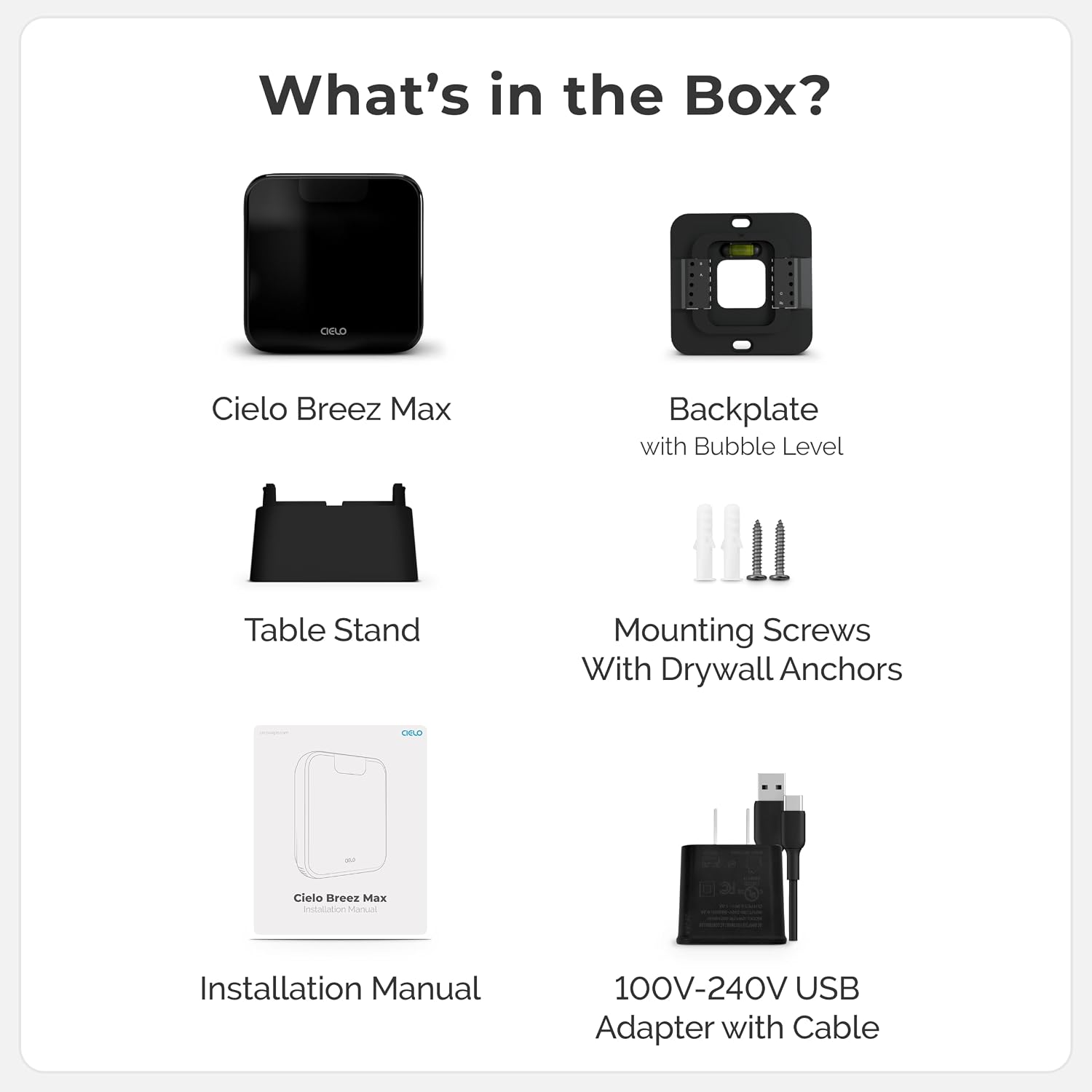 Amazon Recommended product Cielo Breez Max Smart AC Controller Check price on Amazon
How Wi-Fi control works
The controller connects to your home network and communicates with an app or smart-home platform. It then sends infrared commands to the indoor head.
The controller may need to know:
- the mini split brand;
- the remote protocol;
- the operating mode;
- the setpoint;
- fan speed;
- vane or swing settings;
- whether the unit is cooling-only or a heat pump.
Some controllers can learn commands. Others use a compatibility database. Either way, the exact remote still matters.
What to check before buying
Exact model compatibility
Start with the indoor head’s model number and the remote model. A product page that says “works with mini splits” is not enough by itself.
Heat-mode support
If you use the system for winter heating, verify Heat mode, not only Cool and Fan. A controller that works for summer cooling but cannot reliably select heat is a poor fit for a heat-pump home.
Sensor behavior
The wall unit may sense air near the ceiling. The Wi-Fi controller may sense the temperature at chest height. Decide which measurement should guide automation and whether the app lets you configure it.
Internet-down behavior
Ask whether the last schedule continues if Wi-Fi fails. You should still be able to control the system with the factory remote, but cloud-dependent automation may stop.
Multi-zone control
A multi-zone condenser may serve several indoor heads. The indoor heads are still independent comfort zones. You may need a separate compatible controller for each room.
Wi-Fi infrared controller versus wired controller
A Wi-Fi infrared controller is usually easier to add because it does not require a new low-voltage cable or access to the control board. That makes it attractive for an existing bedroom, office, rental, or finished room.
A manufacturer wired controller can be better when you want permanent local control, advanced system functions, commercial reliability, or a supported multi-zone interface. It may require professional installation and exact indoor-unit compatibility.
Do not treat the two options as interchangeable. A wired controller may expose functions that an infrared device cannot, while an infrared controller may be much easier to install in an occupied home.
Placement matters more than buyers expect
Place the Wi-Fi controller where:
- it has a clear path to the indoor head;
- furniture will not block the infrared signal;
- it measures a representative room temperature;
- it is close enough to reliable Wi-Fi;
- it is not directly above a heat source or in sunlight.
If the unit is mounted high on one wall but the controller sits beside a drafty door, the two temperature readings may disagree. That does not automatically mean the controller is defective; it may be measuring a different part of the room.
Troubleshooting a Wi-Fi mini split controller
If the app says the unit changed but nothing happened:
- Check whether the controller has power.
- Confirm the indoor head can see the controller.
- Check the selected brand and remote profile.
- Test a simple power or temperature command.
- Try the factory remote.
- Check for a mini split error code or breaker issue.
- Reconnect Wi-Fi only after confirming the indoor unit itself is operating.
If the factory remote also fails, the problem may be with the mini split rather than the Wi-Fi controller. If the unit is icing, leaking, tripping a breaker, or showing repeated faults, stop treating it as a connectivity problem and contact a qualified HVAC technician.
When a Wi-Fi thermostat is not the right solution
A Wi-Fi controller will not fix:
- low refrigerant caused by a leak;
- a blocked or failed condensate drain;
- a dirty blower wheel or coil;
- a failed sensor;
- a communication fault between indoor and outdoor units;
- electrical problems;
- poor sizing or bad installation.
It may make scheduling easier, but it cannot compensate for a system that cannot deliver the requested heating or cooling.
Buying checklist
Before ordering, save a photo of the indoor-unit label and remote. Then confirm:
- exact brand and model compatibility;
- cooling and heating support;
- required app or hub;
- power method;
- room-sensor behavior;
- multi-zone requirements;
- local control if the internet fails;
- return policy if the remote is not recognized.
The practical choice
For most homeowners looking for a Wi-Fi thermostat for a mini split, a compatible infrared controller is the simplest route. It can add smart scheduling without rewiring the system, but the purchase only makes sense when the exact indoor unit and remote are supported.
Start with compatibility, then consider app quality, sensors, automation, and placement. Do not start with the product’s marketing claim that it is universal.
How to compare products without relying on marketing claims
Look for documentation rather than only phrases such as “universal” or “works with all brands.” A useful product page should explain supported remote types, setup, room sensing, power, app requirements, and what happens when the internet is unavailable. It should also make clear whether a hub is required and whether one controller is needed for each indoor head.
For a rental or temporary installation, a plug-in infrared controller may be preferable because it avoids changing wiring. For a permanent renovation, a manufacturer wired controller may be worth the installation cost if it provides better local control and exposes functions the infrared device cannot.
Avoid placing the controller directly below the indoor head if the airflow or wall temperature will distort its reading. Give it a representative position and test the actual room temperature with a separate thermometer during the first few days. The goal is not merely to control the mini split from a phone; it is to make the control decisions reflect the room people occupy.
A practical return-window test
Before mounting a Wi-Fi controller permanently, test it from the intended location with the factory remote nearby. Verify power, app pairing, Cool, Heat if available, fan speed, temperature changes, scheduling, and local control when the internet is disconnected. Test the room temperature at the controller and at the place where people sit or sleep.
If the controller can operate only some functions, document that limitation before the return period ends. A device that turns a unit on and off but cannot reliably select heating or report state may not meet the needs of a heat-pump home.
The first-week field test
Treat the return window as a controlled test rather than a quick pairing exercise. Record the indoor-unit and remote models, place the controller where it will stay, and test Cool, Heat if available, fan speed, setpoint changes, schedules, and the factory remote. Then disconnect Wi-Fi briefly and note which local controls still work.
If only power and temperature work but the modes you depend on do not, document that limitation and return the controller before mounting it permanently.
Sources
Wi-Fi controllers worth comparing
These products are examples to investigate, not a substitute for checking your indoor-unit model and remote protocol.
Frequently Asked Questions
What is the best type of Wi-Fi thermostat for a mini split?
For many wall-mounted ductless systems, a Wi-Fi infrared controller is the practical option. It should explicitly support the mini split brand and remote, including heat mode if the unit is a heat pump.
Will a Wi-Fi thermostat work if my mini split has no thermostat wires?
Often yes, if the controller communicates with the indoor head through infrared. It still needs compatible remote commands, suitable placement, and reliable power and Wi-Fi.
Can Wi-Fi control replace the mini split remote?
It can handle everyday app and schedule control, but keep the factory remote for setup, troubleshooting, and functions the smart controller may not expose.